Navigating the world of makeup for photoshoots can feel daunting, but it doesn’t have to be! This tutorial, created with expert guidance, will empower you to achieve a flawless, camera-ready look.
Professional lights and cameras significantly impact how makeup appears, often washing out color. Understanding these nuances is key to ensuring your best self translates beautifully in every shot.
We’ll explore techniques to enhance your features, correct imperfections, and create a lasting impression, ensuring you feel confident and radiant in front of the lens.
Why Makeup Looks Different in Photos
The camera doesn’t see makeup the same way the human eye does. This is a fundamental concept in understanding makeup for pictures. Studio lighting, and even the flash on your phone, dramatically alters how colors and textures appear on camera.
Specifically, bright lights tend to flatten features and wash out color intensity. What looks like a subtle blush in person can disappear entirely in a photograph. Similarly, a natural lip color might register as almost nonexistent. This is because the camera captures light reflecting off your face, and strong light sources can overwhelm delicate makeup applications.
Furthermore, the camera exaggerates certain textures and imperfections. Pores, fine lines, and uneven skin tone become more prominent. Therefore, a heavier hand with foundation and concealer is often necessary to create a smooth, even base. It’s crucial to remember that makeup for photos isn’t about looking “natural” in person; it’s about looking fantastic on camera.
Essentially, you need to amplify your makeup application to compensate for the camera’s effects, ensuring your features are defined and your color choices are vibrant.
The Importance of Camera-Ready Makeup
Investing time in camera-ready makeup is paramount for achieving stunning photographs. It’s not merely about concealing flaws; it’s about enhancing your features and creating a polished, confident appearance that translates beautifully on film or in digital images.
Proper makeup ensures you recognize yourself in the final photos, and that your personality shines through. Without adequate makeup, you risk looking washed out, flat, or even older than you are. A well-executed makeup application defines your bone structure, brightens your complexion, and draws attention to your best features.
Consider professional portrait sessions – makeup is a crucial step, often requiring more intensity than everyday wear. Even for casual photos, a little extra effort can make a significant difference. It’s about understanding how light interacts with makeup and adjusting your application accordingly.
Ultimately, camera-ready makeup is an investment in preserving cherished memories, ensuring you look and feel your absolute best in every photograph.
Skin Preparation: The Foundation for Success
Flawless makeup begins with a well-prepared canvas! Proper skin prep ensures smooth application, longevity, and a natural finish, maximizing the impact of your makeup artistry.
Primer: Creating a Smooth Canvas
Primer is often an overlooked step, but it’s absolutely crucial for camera-ready makeup. Think of it as the base layer that sets everything up for success, smoothing the skin’s texture and creating an even surface for foundation application.
A good primer can effectively minimize the appearance of pores, fine lines, and imperfections, resulting in a more polished look on camera. It also helps to control oil production, preventing shine and ensuring your makeup stays put throughout the photoshoot.
Primer doesn’t just smooth; it also helps makeup adhere better, avoiding patchy or clumpy application. There are various types of primers available, catering to different skin concerns – from hydrating primers for dry skin to mattifying primers for oily skin.
Choosing the right primer depends on your skin type and desired finish. If you’re unsure where to start, resources like Refinery 29 offer helpful guides to navigate the world of primers and find the perfect match for your needs;
Color Correction: Addressing Imperfections
Before applying foundation, color correction is a powerful technique to neutralize skin discolorations and create a flawless base. Cameras can exaggerate imperfections, making color correction even more vital for achieving a polished look in photos.
Different colored correctors address specific concerns: green neutralizes redness (like acne or rosacea), peach or orange cancels out blue undertones (often found in under-eye circles), and lavender brightens dullness and corrects sallowness.
Apply color corrector sparingly, focusing only on the areas that need it. Blend it seamlessly into the skin before moving on to foundation. Remember, a little goes a long way! The goal isn’t to completely eliminate the discoloration, but to neutralize it so foundation can create an even tone.
Choosing the right shade of corrector is key. Fair skin tones typically benefit from peach correctors, while medium to deep skin tones may require orange or red-toned correctors. Mastering this step ensures a naturally balanced and radiant complexion on camera.
Foundation: Choosing the Right Formula & Coverage
Selecting the right foundation is crucial for a camera-ready complexion. Remember, professional lighting tends to wash out makeup, so opting for slightly more coverage than your everyday routine is advisable. However, avoid anything too heavy, as it can appear cakey on camera.
Consider your skin type when choosing a formula. Oily skin benefits from matte, long-wearing foundations, while dry skin thrives with hydrating, dewy options. For normal skin, a satin finish offers a balanced look.
Full coverage foundations are excellent for concealing imperfections, but can be blended with a lighter formula for a more natural effect. Medium coverage provides sufficient coverage without looking heavy. Always match the foundation to your jawline in natural light to ensure a seamless blend.
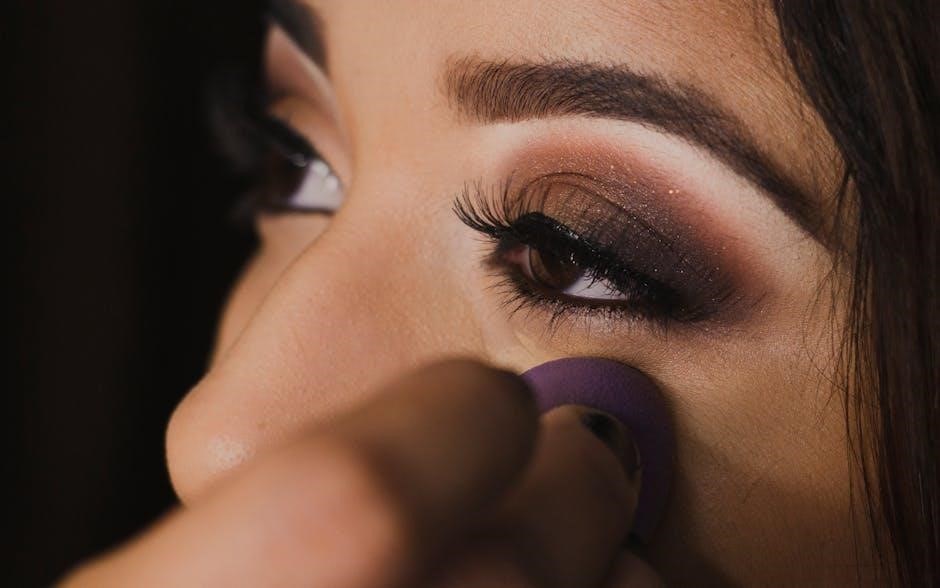
Don’t forget to blend thoroughly with a brush, sponge, or your fingers, extending the foundation down your neck to avoid harsh lines. A well-applied foundation creates a smooth, even canvas for the rest of your makeup.
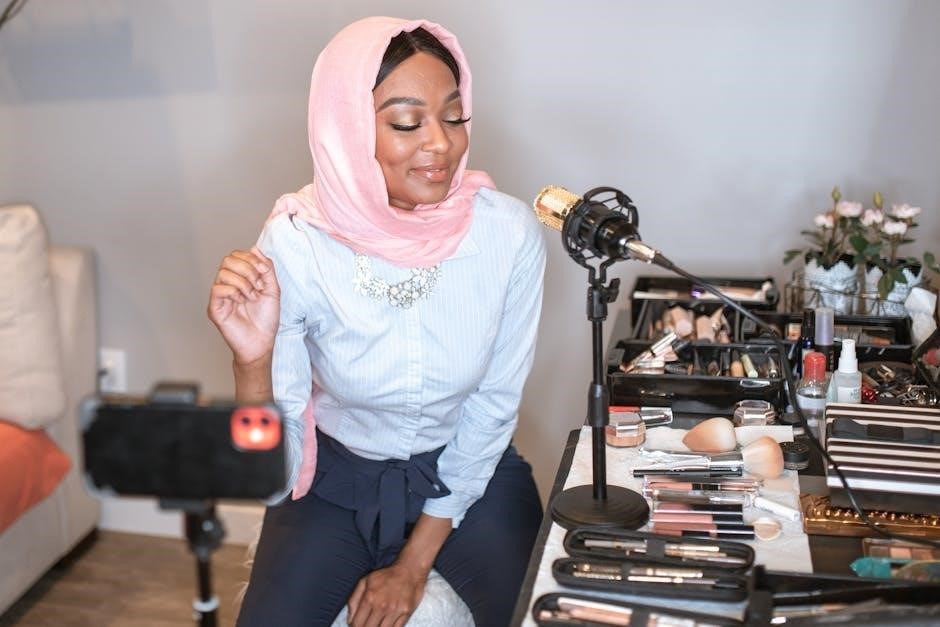
Enhancing Features for the Camera
Now, let’s sculpt and define! Contouring, highlighting, and blush are essential for adding dimension and warmth, ensuring your features pop beautifully in photographs.
These techniques compensate for the flattening effect of the camera, creating a more sculpted and vibrant appearance.
Contouring: Defining Your Face Shape
Contouring is your secret weapon for adding definition and structure to your face, especially crucial when the camera tends to flatten features. It’s about creating shadows to sculpt and enhance your natural bone structure. Begin by identifying your face shape – round, oval, square, or heart-shaped – as this will dictate where you apply the contour.
Use a cool-toned contour powder or cream that’s two to three shades darker than your skin tone. Apply it along the hollows of your cheeks (suck in your cheeks to find them!), along your temples, and along your jawline. Blend, blend, blend! Harsh lines are a no-no; the goal is a seamless, natural shadow. Remember, professional lights can wash out contour, so don’t be afraid to build up the intensity gradually.
For a softer look, use a fluffy brush. If you have a rounder face, focus on contouring under the cheekbones to create more definition. For a square face, soften the jawline with contour. Don’t forget to blend downwards to avoid creating a muddy appearance. A well-contoured face will appear more defined and sculpted in photos, enhancing your overall look.
Highlighting: Adding Dimension and Glow
Highlighting works in tandem with contouring, bringing light to the high points of your face and creating a beautiful, dimensional effect. This is especially important for photos, as cameras can sometimes flatten features. Choose a highlighter that complements your skin tone – champagne shades work well for fair skin, while gold or bronze tones suit warmer complexions.
Apply highlighter to the tops of your cheekbones, down the bridge of your nose, on your cupid’s bow, and under your brow bone. A subtle shimmer on the inner corners of your eyes can also brighten your gaze. Use a light hand; you want a glow, not a blinding shine. Remember that professional lighting can amplify highlighter, so start with a small amount and build up as needed.
For a natural look, opt for a cream or liquid highlighter blended seamlessly into your foundation. Powder highlighters are great for setting your makeup and adding a more intense glow. Highlighting strategically draws attention to your best features and creates a radiant, youthful appearance in photographs.
Blush: Adding Color and Warmth (More Than Usual!)
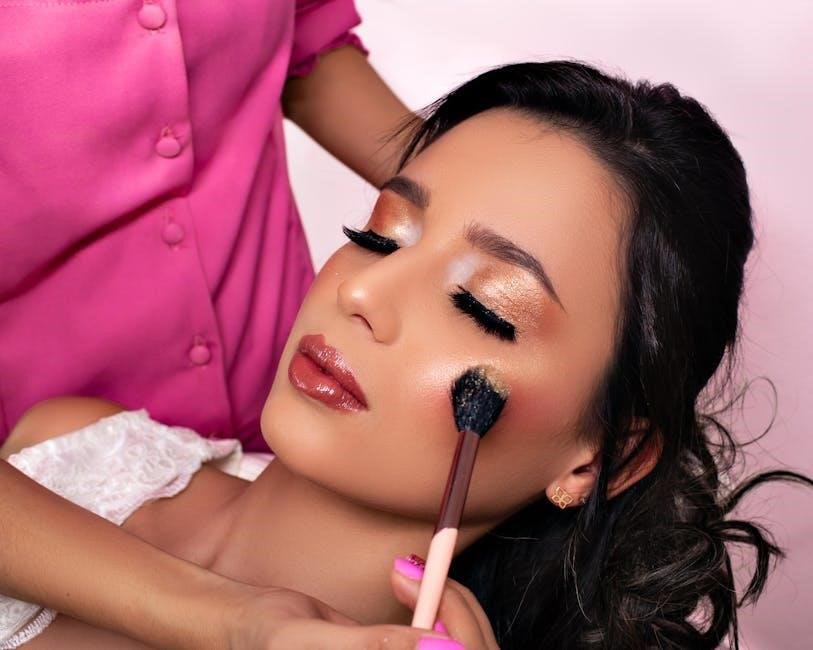
Cameras tend to wash out color, so don’t be shy with your blush! You’ll need significantly more blush for photos than you would for everyday wear – professional studio lights can diminish your natural flush by at least 50%. This doesn’t mean going overboard, but rather strategically applying a more vibrant shade to counteract the flattening effect of the camera.
Choose a blush color that complements your skin tone and consider the overall look you’re aiming for. Peach and pink tones are universally flattering, while coral shades add warmth. Apply blush to the apples of your cheeks, blending upwards towards your temples. Smile while applying to ensure the color is placed correctly.
Powder blush is a classic choice, but cream blushes can provide a more natural, dewy finish. Remember to blend well to avoid harsh lines. Adding extra color to your cheeks will ensure you look healthy and vibrant in your photos, preventing a washed-out appearance.

Eye Makeup: Making Your Eyes Pop
Eyes are the focal point, so enhance them! Camera-friendly eyeshadows, defined eyeliner, and volumizing mascara are essential. These techniques will create captivating, noticeable eyes in every photograph.
Eyeshadow: Selecting Camera-Friendly Shades
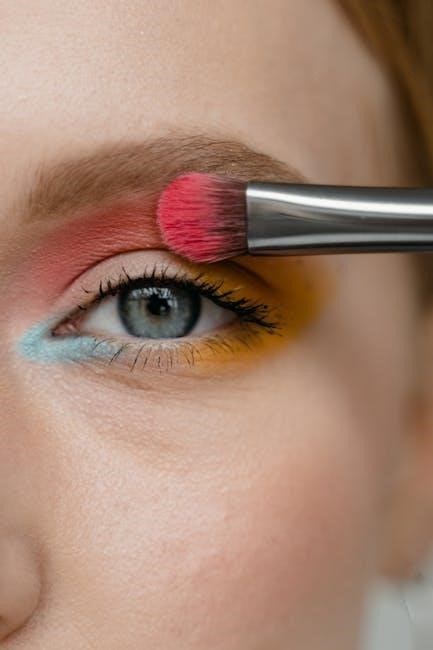
Choosing the right eyeshadow shades is crucial for a successful photoshoot look. What appears subtle in person can often get lost on camera, so it’s best to amplify your choices. Opt for shades that are a few tones deeper than your everyday makeup to ensure they translate well in photos;
Avoid overly shimmery or glittery eyeshadows, as they can create unwanted glare and flashback under studio lights. Instead, focus on matte or satin finishes that provide depth and dimension without being distracting. Warm-toned shades like browns, bronzes, and golds generally photograph beautifully, adding warmth and enhancing your eye color.
Don’t be afraid to experiment with slightly bolder colors, especially if you have lighter eyes. A touch of plum or emerald can make your eyes pop! Remember to blend your eyeshadow thoroughly to avoid harsh lines and create a seamless, professional finish. Proper blending is key to a polished, camera-ready eye look.
Eyeliner: Defining and Enhancing Eyes
Eyeliner is a powerful tool for defining and enhancing your eyes in photographs. However, a heavy-handed application can appear harsh under the bright lights of a photoshoot. The key is to build up the intensity gradually, starting with a thin line and adding more product as needed.
Black eyeliner is a classic choice, but consider using a dark brown or charcoal gray for a softer, more natural look. For a subtle lift, slightly wing out the eyeliner at the outer corners of your eyes. Smudging the eyeliner along the lash line can create a smoky effect that adds depth and dimension.
Waterproof eyeliner is essential to prevent smudging or running, especially if you’re prone to tearing up or if the photoshoot involves outdoor elements. Pay attention to your eye shape and adjust the eyeliner application accordingly to flatter your features. A well-defined eye will truly captivate the camera!
Mascara: Creating Volume and Length
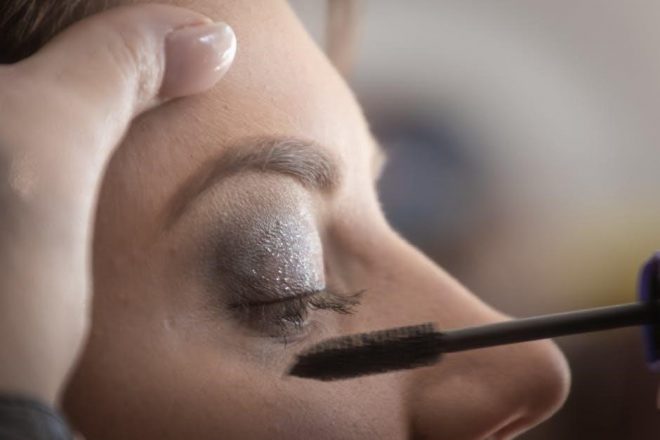
Mascara is crucial for making your eyes appear larger and more defined in photos. Because cameras can sometimes wash out features, several coats are often necessary – more than you’d typically use for everyday wear. Don’t be afraid to layer the product, allowing each coat to dry slightly before applying the next to avoid clumping.
Opt for a waterproof or water-resistant formula to prevent smudging or flaking under studio lights or in outdoor conditions. Consider using an eyelash curler before applying mascara to lift and open up your eyes. Focus on coating the base of your lashes to create a fuller look.
For added drama, apply a second coat to the outer lashes. Remember, the goal is to create visible, impactful lashes that draw attention to your eyes and enhance your overall look in the photographs.
Lip Makeup: Bold Colors for the Win
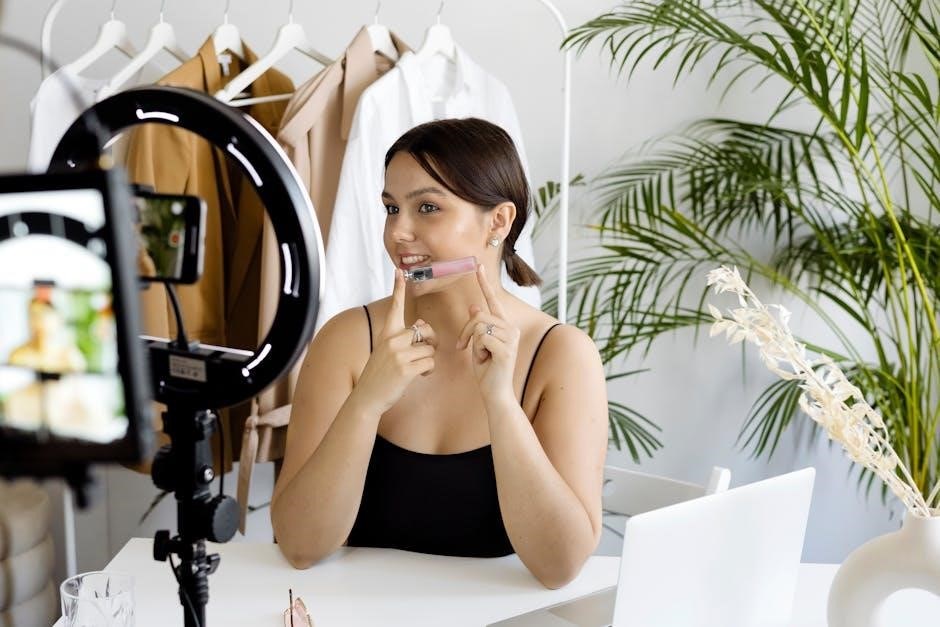
Lips often appear less vibrant in photos, so embrace bold, bright colors! Natural and nude shades can get lost, while vivid hues translate beautifully on camera, adding a pop.
Lip Liner: Defining Lip Shape and Preventing Bleeding
Lip liner is a crucial step often overlooked, but it’s a game-changer for camera-ready lips. It serves a dual purpose: defining your lip shape and preventing color bleeding, especially when using bolder shades.
For photos, choose a lip liner that closely matches your lipstick color, or opt for a neutral shade that complements your skin tone. Carefully outline your lips, slightly overdrawing if you desire a fuller appearance – but keep it subtle for a natural look.
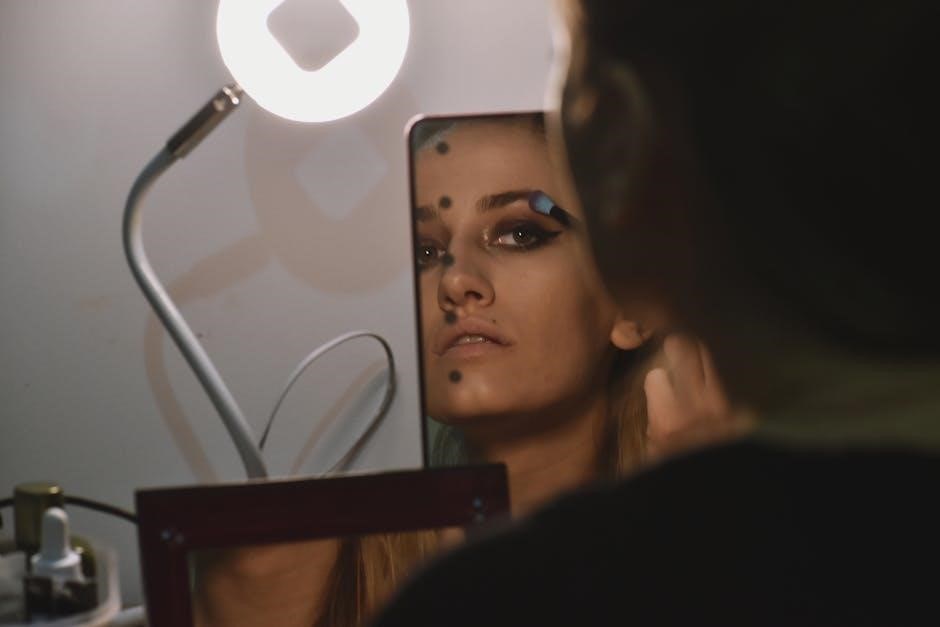
Filling in your entire lip with liner before applying lipstick creates a base, enhancing color payoff and longevity. This technique ensures even coverage and prevents the lipstick from feathering or migrating, which can be particularly noticeable in high-resolution photos.
Blending the liner inwards with a lip brush softens the lines and creates a seamless transition to the lipstick. A well-defined lip shape will photograph beautifully, adding definition and polish to your overall makeup look. Don’t skip this step – it makes a significant difference!
Lipstick: Choosing Bright, Camera-Ready Colors
When it comes to lipstick for photos, embrace boldness! Natural hues and nude tones often get lost on camera, appearing washed out or even disappearing entirely under studio lights. Bright, saturated colors are your best friend for creating a noticeable and impactful lip look.
Reds, berries, and vibrant pinks photograph exceptionally well, adding a pop of color and drawing attention to your smile. Consider your skin tone when selecting a shade – warmer tones suit coral and orange-based reds, while cooler tones look stunning in berry and blue-based reds.
Matte or satin finishes are generally preferred over glossy lipsticks, as gloss can create unwanted reflections and glare in photos. Ensure your lips are well-hydrated before application to prevent cracking and ensure a smooth finish.
Don’t be afraid to experiment and choose a color that makes you feel confident and radiant. A bold lip can instantly elevate your entire look and create a memorable photograph!
Final Touches & Avoiding Common Mistakes
Lock in your look with setting powder and bronzer for a flawless finish! Avoid white under-eye mishaps by using a light hand with concealer, ensuring a natural glow.
Setting Powder: Locking in Your Makeup
Setting powder is absolutely crucial for ensuring your makeup stays put throughout your photoshoot, especially under the bright lights of a studio. It effectively minimizes shine and prevents creasing, creating a smooth, even base for the camera to capture.
Choose a finely milled powder – translucent is a safe bet for all skin tones – and apply it strategically. Focus on areas prone to oiliness, such as the T-zone (forehead, nose, and chin), but don’t be afraid to lightly dust it over your entire face.
Application methods vary; a large fluffy brush provides a soft, diffused finish, while a sponge or brush pressed into the skin offers more coverage. Remember, less is often more! You can always build up the powder gradually to avoid a cakey appearance.
A key tip: lightly bake under your eyes with a brightening powder to further prevent concealer from shifting or appearing white in flash photography. This technique sets the concealer and creates a flawless, illuminated under-eye area.
Avoiding White Under-Eye Mishaps with Concealer
The dreaded white under-eye in photos is a common pitfall, but easily avoidable with the right techniques! Flash photography exaggerates brightness, making concealer appear much lighter than it is in natural light. To combat this, choose a concealer one to two shades lighter than your skin tone, but avoid anything too stark.
More importantly, layer your concealer strategically. Start with a color corrector – peach or orange tones neutralize blue or purple undertones – before applying your concealer. This creates a balanced base and prevents the concealer from having to work overtime.
Blend thoroughly, ensuring there are no harsh lines. Then, and this is vital, set the concealer with a generous amount of setting powder (as discussed previously!). This “baking” technique locks the concealer in place and prevents flashback.
Finally, remember that professional studio lights wash out makeup, so don’t be afraid to apply a bit more coverage than you normally would for everyday wear.
Bronzer: Framing the Face & Adding Warmth
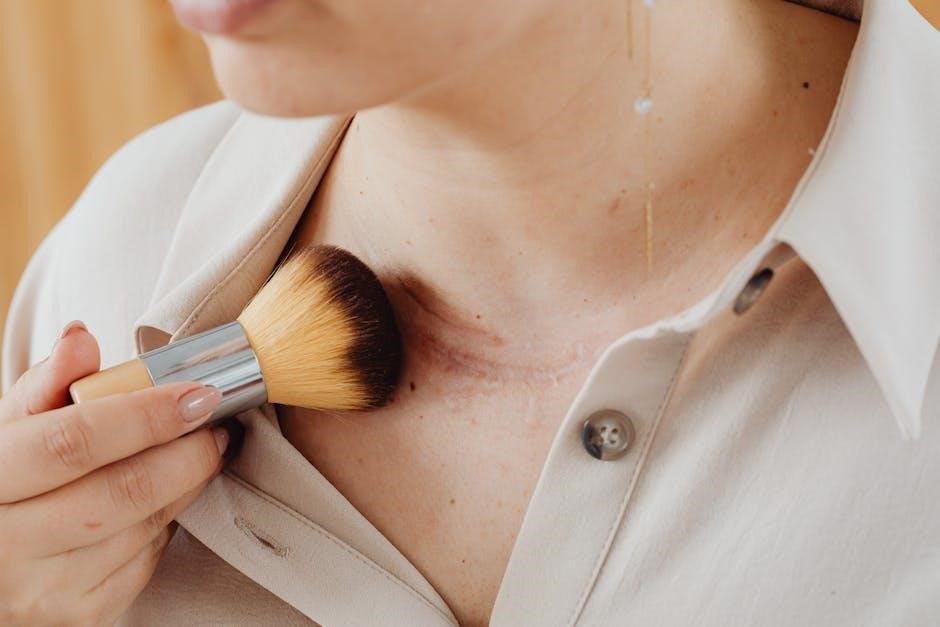
Bronzer is your secret weapon for adding dimension and life back into your complexion, especially under the harsh glare of studio lights. Cameras tend to flatten features, and bronzer helps to sculpt and define;
Opt for a sheer, matte bronzer – avoid anything too glittery or shimmery, as this can appear unnatural in photos. Apply it strategically around the perimeter of your face: along your temples, under your cheekbones, and along your jawline.
Think of it as “painting” the edges of your face to create a subtle, sun-kissed glow. This technique not only adds warmth but also draws the eye inward, highlighting your features.
A light dusting on the bridge of your nose can also add subtle definition. Remember, the goal is to enhance your natural contours, not to create a dramatically different look. Blend, blend, blend – seamless application is key!